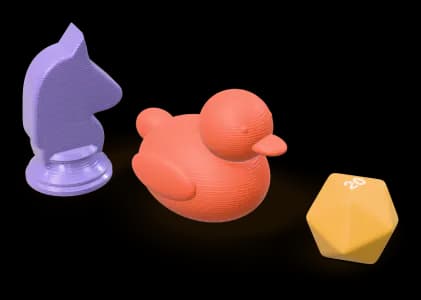
To price and print a part we need a 3D model file: STL, 3MF or OBJ. A photo or a sketch is not enough on its own, because the price is calculated from the actual geometry. These are the usual ways to get a file.
1. Look for a ready-made model
Large free model libraries — Printables, MakerWorld, Thingiverse, Cults3D and others — hold millions of designs: organisers, decor, gifts, and replacement knobs and clips for common products. Search for the product name together with the name of the part.
Check the licence before you order. Many models are free for personal use only; if you plan to sell the prints, the licence has to allow commercial use.
2. Design it yourself
Simple parts — a bracket, a spacer, a box, a name tag — are within reach even if you have never used CAD. Tinkercad runs in the browser and is made for beginners, FreeCAD is open source, and Onshape has a free plan. When you are done, export STL or 3MF. If your CAD tool saves STEP files, export a mesh from it instead: we do not accept STEP.
3. Replacing a broken part
- Measure with a calliper rather than a ruler, and write down the dimensions that have to fit: holes, clips, the surface it sits against.
- If the part is broken, measure the pieces and photograph it from several sides before anything is thrown away.
- Expect one round of adjustment: a replacement part that has to fit usually needs one trial print and a small change.
Phone 3D-scanning apps work well for decorative shapes, but are usually not accurate enough for a part that has to fit something else.
4. Work with a designer
If the part is complex or you would rather not model it yourself, a freelance 3D designer can turn measurements, photos or a sketch into a printable file. Ask for STL or 3MF output in millimetres.
5. Only have a photo? Let us generate the model
For decorative objects — a figurine, an ornament, a gift — our paid Photo to 3D service turns one photo into a printable model. The shape is an AI interpretation of the photo, so it suits objects whose exact dimensions do not matter; for a part that has to fit something, measure it and use one of the options above. The fee is per generated model and refunded if the generation fails.
Once you have the file
Upload it to the instant quote: you will see the price, the material options and any geometry warnings for your part. If you are unsure about the file, How to prepare an STL file covers the common problems. If you have a question, write to us.